As I grow older, the fatigue of manually having to do repetitive tasks is wearing thin, such as click this, do that, next, next, next, click finish. It’s not just an age thing however, its an efficiency thing. We should all be seeking to be more efficient in my eyes. Despite that, in an earlier post, I showed how to manually download a .pkg file and manually upload the file by clicking to login, then clicking next, next, next in order to manually publish the application in Intune. The manual process serves it’s purpose, and will always serve its purpose… but in my mind, its purpose should always be as a fallback…
In everything I do, I seek to make “the process” slicker, simpler, and easier -more efficient- whatever the task. Especially if that task is repetitive. The key to that? First, you must understand the manual process. Behind every simplification or automation, there needs to be a known manual process. So we know how to manually download an application and publish it in Intune, great. There’s always justification for doing it this way…
But how do we programmatically;
- Download an application package (.pkg/.dmg)
- Create an Intune application
- Upload the application package
- Publish to Intune application
- Assign the Intune application
We script it of course. As such, and more of a challenge to myself like so many of the things on this site, I set about creating a PowerShell script that does the heavy lifting.
Why? As above. This script was created primarily as a challenge to myself… but maybe, this could actually be beneficial to someone hydrating a new environment, or someone needing/wanting to publish a lot of Applications into Intune in quick succession. Sure, the majority of the time in these situations, apps are likely to come from VPP, but in almost every engagement I’ve had the pleasure of working with, there’s often a number of Line of Business Apps that find there way into the environment one way or another.
So whether this is of benefit to you, or whether it has a large scale purpose or not, this was, if nothing else, something fun to educate myself with.
Clicking on the snippet below will take you to the Github hosted script.
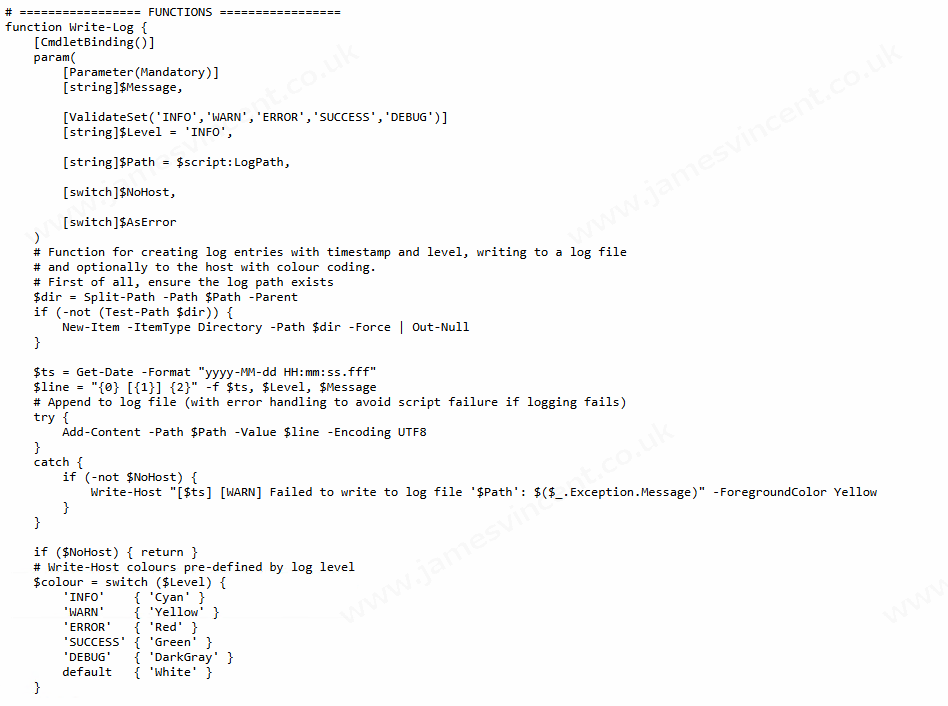
There’s a few variables in and around the top part of the script that you’ll need to modify. App related… You’ll also need to configure your Graph connection details. Out of the box, it will publish Zoom, via .pkg…
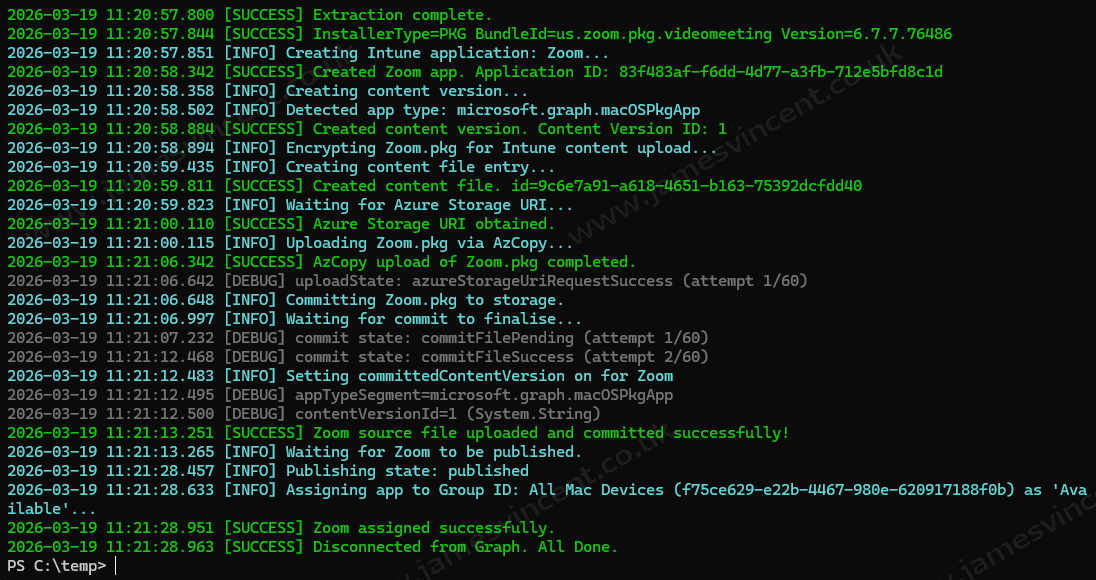
More a note to self, but these are some possible improvements for an incremental version…
- PKG / DMG switch
- Installation from an array

Leave a Reply